
Looping preview · motionprompts.dev
The build prompt
From motionprompts.dev28,707 chars
# 3D Tunnel Image Slider — WebGL Shader Tunnel + Scroll-Driven Z-Flight Carousel

## Goal
Build a full-screen experience where **ten framed portrait images fly toward the camera down the Z axis of a CSS-perspective tunnel**, over a **hypnotic monochrome neon-tunnel pattern rendered by a Three.js fragment shader** that fills the whole background. Smooth scrolling (Lenis) feeds a GSAP `ScrollTrigger` with `scrub: 1`: the same scroll progress (a) pushes every slide's `translateZ` from deep-space toward the viewer, fading each one in as it nears, and (b) drives a `scrollOffset` uniform that warps/advances the shader tunnel in sync. Result: as you scroll, images emerge one after another out of a spinning light-tunnel and rush past you, with the pattern accelerating in lock-step.

## Tech
- Vanilla HTML / CSS / JS with ES module imports, bundled by **Vite** (npm project).
- **`gsap` (npm)** plus the GSAP plugin **`ScrollTrigger`** (`import { ScrollTrigger } from "gsap/ScrollTrigger"`, register with `gsap.registerPlugin(ScrollTrigger)`).
- **`lenis` (npm)** for smooth scroll, wired into GSAP's ticker.
- **`three` (npm)** imported `import * as THREE from "three"` — a single full-screen shader plane (raw GLSL, `ShaderMaterial`). No other Three geometry.
- The tunnel background is **WebGL**; the carousel slides are **plain DOM `<div>`s** transformed in 3D by CSS + inline styles. The two systems only share the scroll progress value.

Lenis + GSAP ticker wiring (put at top of the module, runs immediately):
```js
const lenis = new Lenis();
lenis.on("scroll", ScrollTrigger.update);
gsap.ticker.add((time) => { lenis.raf(time * 1000); });
gsap.ticker.lagSmoothing(0);
```

## Layout / HTML
Class names / ids are load-bearing (JS queries `.slider`, `.container`; CSS styles the rest). Nav/footer copy is neutral fictional demo text (no real brands).

```html
<nav>
  <div class="nav-items">
    <a href="#">Works</a>
    <a href="#">Archive</a>
  </div>
  <div class="logo">
    <a href="#">Tunnel Vision</a>
  </div>
  <div class="nav-items">
    <a href="#">Info</a>
    <a href="#">Contact</a>
  </div>
</nav>

<footer>
  <p>Watch Showreel</p>
  <p>Launching 2024</p>
</footer>

<div class="container">
  <div class="overlay"></div>
  <div class="slider"></div>
</div>

<!-- Raw GLSL shaders live as inline <script> tags read by their id -->
<script id="vertexShader" type="x-shader/x-vertex"> …see shaders… </script>
<script id="fragmentShader" type="x-shader/x-fragment"> …see shaders… </script>

<script type="module" src="./script.js"></script>
```

- `.slider` is **empty in the HTML** — the JS generates the 10 `.slide` elements into it at load.
- Each generated slide has this shape:
  ```html
  <div class="slide" id="slide-N">
    <div class="slide-img"><img src="/…/imgN.jpg" alt=""></div>
    <div class="slide-copy"><p>{title}</p><p>{id}</p></div>
  </div>
  ```
- The Three.js `renderer.domElement` `<canvas>` is created in JS and `appendChild`-ed to `<body>`; CSS pins it behind everything.

## Styling
Global reset: `* { margin:0; padding:0; box-sizing:border-box; }`. `body { width:100%; height:100%; background:#000; overflow-x:hidden; }`.

**Fonts** (both proprietary in the original — use close generic fallbacks):
- Body / links / captions: a **monospace** face (`"Akkurat Mono", Arial, sans-serif`) — any clean mono works. `a, p { color:#fff; text-decoration:none; text-transform:uppercase; font-family:<mono>; font-size:12px; font-weight:500; }`.
- Logo: an **elegant condensed display serif** (`"Timmons NY 2.005", Arial, sans-serif`) — a tall light-weight serif. `.logo a { font-family:<display-serif>; font-size:48px; font-weight:lighter; }`.

**Key rules:**
- `canvas { position:fixed; top:0; left:0; z-index:-1; }` — the shader tunnel sits behind the whole page.
- `img { width:100%; height:100%; object-fit:cover; }`.
- `nav, footer { position:fixed; width:100%; padding:2em; display:flex; justify-content:space-between; align-items:center; mix-blend-mode:exclusion; z-index:2; }` — `mix-blend-mode:exclusion` is what makes the nav/footer text invert against whatever tunnel/slide is behind it. `nav { top:0; } footer { bottom:0; }`.
- `nav > div { flex:1; display:flex; gap:2em; }`; `.logo { display:flex; justify-content:center; }`; `.nav-items:nth-child(3) { justify-content:flex-end; }` (left group / centered logo / right group).
- **`.container { width:100%; height:2000vh; }`** — this **20-viewport-tall block is the entire scroll runway** and the only ScrollTrigger `trigger`. Nothing visible scrolls; the height just gives scroll distance.
- **`.slider { position:fixed; top:0; width:100vw; height:100vh; transform-style:preserve-3d; perspective:500px; overflow:hidden; z-index:2; }`** — the fixed 3D stage. **`perspective:500px` is critical**: with the huge Z translations below, it makes slides shrink to nothing when far and balloon as they reach the camera.
- `.slide { position:absolute; width:400px; height:500px; will-change:transform, opacity; }` (each frame is 4:5 portrait).
- `.slide-img { width:100%; height:100%; padding:0.5em; background-color:rgba(255,255,255,0.1); border:1px solid rgba(255,255,255,0.2); backdrop-filter:blur(20px); }` — a frosted glass mat around each photo.
- `.slide-copy { position:absolute; width:100%; bottom:-24px; display:flex; justify-content:space-between; }` — title left, id right, just below the frame.
- `.overlay { position:fixed; top:0; left:0; width:100%; height:100%; background: radial-gradient(circle, rgba(0,0,0,0) 60%, rgba(0,0,0,1) 100%); }` — a radial vignette: clear center, fully black corners. It sits above the tunnel canvas but the slider (`z-index:2`) renders above it.
- Include the standard Lenis helper CSS (`.lenis.lenis-smooth { scroll-behavior:auto !important; }`, `.lenis.lenis-stopped { overflow:hidden; }`, etc.).

## The star effect (be exact)

### Part A — Three.js shader tunnel (full-screen background)
Orthographic full-screen plane textured by a raw fragment shader. Set up once:
```js
const scene = new THREE.Scene();
const camera = new THREE.OrthographicCamera(-1, 1, 1, -1, 0, 1);
const renderer = new THREE.WebGLRenderer();
renderer.setSize(window.innerWidth, window.innerHeight);
document.body.appendChild(renderer.domElement);

const geometry = new THREE.PlaneGeometry(2, 2);   // covers the whole clip space
const uniforms = {
  iTime:        { value: 0 },
  iResolution:  { value: new THREE.Vector2(window.innerWidth, window.innerHeight) },
  scrollOffset: { value: 0 },
};
const material = new THREE.ShaderMaterial({
  uniforms,
  vertexShader:   document.getElementById("vertexShader").textContent,
  fragmentShader: document.getElementById("fragmentShader").textContent,
});
scene.add(new THREE.Mesh(geometry, material));
```

**Vertex shader** (pass-through, no projection — the plane already spans clip space):
```glsl
void main() {
  gl_Position = vec4(position, 1.0);
}
```

**Fragment shader** — the tunnel. A monochrome (white-on-black) radial pattern: `atan` of the centered pixel makes angular spokes, and `sin` of a `1/length` (reciprocal-radius) term makes concentric rings that pack tighter toward the center, reading as depth. `iTime` spins/pulses it continuously; `scrollOffset` (0→1 from ScrollTrigger) is added with a ×200 gain so scrolling rushes the tunnel forward:
```glsl
uniform vec2  iResolution;
uniform float iTime;
uniform float scrollOffset;

void mainImage(out vec4 o, vec2 I) {
  I -= o.zw = iResolution.xy / 2.0;                 // recenter pixel; stash half-res in o.zw
  float t = iTime * 5.0 + scrollOffset * 200.0;     // time advance + scroll rush
  float pattern = sin(atan(I.y, I.x) / 0.1)         // angular spokes (angle × 10)
                * sin(20.0 * (o.w /= length(I)) + t)// rings from reciprocal radius, animated
                - 1.0 + o.w;                         // brighten toward center
  float monochrome = 1.0 - pattern * 0.5;
  float invertedMonochrome = 1.0 - monochrome;       // = pattern * 0.5
  o = vec4(invertedMonochrome, invertedMonochrome, invertedMonochrome, 1.0);
}
void main() { mainImage(gl_FragColor, gl_FragCoord.xy); }
```

**Continuous render loop** (drives `iTime` from wall-clock delta, independent of scroll — the tunnel is always alive):
```js
let lastTime = 0;
function animateTunnel(time) {
  const deltaTime = time - lastTime;
  lastTime = time;
  uniforms.iTime.value += deltaTime * 0.001;   // ms → sec-ish
  renderer.render(scene, camera);
  requestAnimationFrame(animateTunnel);
}
animateTunnel(0);
```

**Resize:** `renderer.setSize(innerWidth, innerHeight); uniforms.iResolution.value.set(innerWidth, innerHeight);`.

### Part B — generate the 10 slides
Constants: `totalSlides = 10`, `zStep = 2500`, `initialZ = -22500`. Loop `i = 1..10`, build the slide DOM (`img.src = "/…/img" + i + ".jpg"`, caption `<p>{title}</p><p>{id}</p>`), append to `.slider`, then set its starting transform:
```js
const zPosition = initialZ + (i - 1) * zStep;        // -22500, -20000, … , 0  (slide 10 starts at 0)
const xPosition = i % 2 === 0 ? "30%" : "70%";       // alternate left / right → tunnel weave
const opacity   = i === totalSlides ? 1 : 0;         // only the last slide (z=0) starts visible

gsap.set(slide, {
  top: "50%", left: xPosition,
  xPercent: -50, yPercent: -50,
  z: zPosition, opacity,
});
```
So the ten frames are stacked receding into the distance every 2500px, **alternating horizontally between 30% and 70%** of the width so they zig-zag rather than stack dead-center. The nearest (slide 10) sits at the camera plane; the rest are far away and invisible.

### Part C — scroll wiring (`scrub: 1`, one shader trigger + one per slide)
All triggers use the same tall runway: `trigger: ".container", start: "top top", end: "bottom bottom", scrub: 1`.

**Shader trigger** — map scroll progress straight into the uniform:
```js
ScrollTrigger.create({
  trigger: ".container", start: "top top", end: "bottom bottom", scrub: 1,
  onUpdate: (self) => { uniforms.scrollOffset.value = self.progress; },
});
```

**Per-slide triggers** — for each slide, read its starting Z with `gsap.getProperty(slide, "z")`, then on every update push it +22500 across the full scroll and recompute opacity from its Z:
```js
const mapRange = (v, inMin, inMax, outMin, outMax) =>
  ((v - inMin) * (outMax - outMin)) / (inMax - inMin) + outMin;

slides.forEach((slide) => {
  const initialZ = gsap.getProperty(slide, "z");
  ScrollTrigger.create({
    trigger: ".container", start: "top top", end: "bottom bottom", scrub: 1,
    onUpdate: (self) => {
      const currentZ = initialZ + self.progress * 22500;   // travels 22500px toward camera
      let opacity;
      if (currentZ >= -2500) opacity = mapRange(currentZ, -2500, 0, 0, 1); // fade in over last 2500px
      else                   opacity = 0;                                   // hidden while far
      slide.style.opacity = opacity;
      slide.style.transform =
        `translateX(-50%) translateY(-50%) translateZ(${currentZ}px)`;
    },
  });
});
```

**How it reads:** each slide's Z sweeps by exactly +22500 over the scroll. A slide is fully hidden while `currentZ < -2500` (tiny and far), **fades 0→1 as its Z crosses −2500 → 0** (mapRange, un-clamped so it stays ≥1 = fully opaque afterward), and — because the transform keeps applying past 0 into positive Z — it keeps rushing toward and past the camera, growing huge through the `perspective:500px` before exiting. Slides enter staggered (their start Z is offset by 2500 each), so scrolling produces a continuous stream of frames emerging from the tunnel one after another. Note the per-frame `slide.style.transform` uses a fixed `translateX(-50%) translateY(-50%)` to re-center on its `left` anchor (30%/70%), so the horizontal zig-zag from Part B persists while only Z changes.

Because everything is `scrub: 1`, scrolling **up** reverses the whole thing — slides retreat back down the tunnel and the shader unwinds — with a ~1s smoothing lag.

## Assets / images
**10 carousel slides**, each a **portrait 4:5** frame (displayed 400×500, `object-fit:cover`). A cohesive cyberpunk / editorial-fashion set on saturated grounds — moody portraits behind ribbed/lenticular glass, figures crossed by neon light bars and long-exposure streaks, models in reflective visors — heavy on **red, teal/cyan, and orange neon** against near-black or vivid-red backdrops. Describe generically, no brands/logos. Any 10 images work; if you have fewer, repeat in order — the effect is identical. Example roles:
1. Long-exposure figure raising one hand behind fine vertical slats, red & cyan light bands on near-black.
2. Portrait through red ribbed lenticular glass, teal-split face, glowing red LED bar across the eyes.
3. Two models (leather jacket + reflective goggles / blonde wig) on turquoise, orange vertical light stripes across their faces.
4. Portrait behind red-and-white ribbed glass, blue-lit face, horizontal white streak on saturated red.
5. Dark long-exposure crouching figure behind vertical slats, red and white-blue horizontal streaks.
6. Close-up cyberpunk portrait, teal-lit man on vivid red, glowing orange holographic HUD visor.
7. Blurred portrait behind slats, yellow LED eye-bar, magenta/white streaks on dark navy.
8. Two models in black on deep red, both in reflective/LED visor sunglasses, one sharp / one blurred.
9. Side-profile portrait behind fine lines, yellow-green LED bar, red-white streaks on dark teal.
10. Portrait through red ribbed glass, two bright teal glowing orbs over the eyes on vivid red.

**Captions** — each slide shows a one-word title (left) and a neutral catalog id (right). Use neutral values, e.g. titles `Neon, Volt, Echo, Glitch, Pulse, Cipher, Nova, Synth, Flux, Vapor` and short numeric ids like `30128, 39102, 84729, …` (no brand-prefixed codes).

## Behavior notes
- **Two decoupled clocks:** the shader animates continuously via its own rAF loop (never idle); the slide Z-flight and the shader's `scrollOffset` warp are purely scroll-driven. Idle = tunnel keeps spinning, slides frozen.
- **Scrub smoothing** (`scrub: 1`) gives ~1s inertia to both the slide motion and the tunnel-rush; fully reversible on scroll-up.
- **Keep `.container` at `height:2000vh`** — that height *is* the animation timeline; shrink it and slides fly past too fast.
- **Desktop / performance-heavy:** WebGL shader + `backdrop-filter:blur(20px)` on ten frames. No reduced-motion branch and no mobile layout in the original — treat as desktop-oriented, not mobile-safe.
- `perspective:500px` on `.slider` + `transform-style:preserve-3d` are mandatory; without them the Z translations do nothing.

## Images

This component ships with 10 reference assets, served publicly.
Use them as-is to reproduce the demo faithfully, then swap in your own — the layout expects the
same aspect ratios.

```
https://motionprompts.dev/c/tunnel/img1.jpg
https://motionprompts.dev/c/tunnel/img10.jpg
https://motionprompts.dev/c/tunnel/img2.jpg
https://motionprompts.dev/c/tunnel/img3.jpg
https://motionprompts.dev/c/tunnel/img4.jpg
https://motionprompts.dev/c/tunnel/img5.jpg
… 4 more under https://motionprompts.dev/c/tunnel/
```

They are hotlinkable for prototyping. For anything you ship, replace them: they are licensed for
demonstration of this component, not for redistribution.

## Using this outside its demo page

This component is written as a complete page — that is how the demo is meant to look. If you are dropping it into an existing project, or combining it with other components, these are the things it declares at document level and that you need to move or reconcile first.

- **Palette on `:root`** — `--ink`, `--amber`, `--mono`. These names are not namespaced and they collide: `--ink` is defined by 164 of the 219 components in this catalogue, `--paper` by 94, `--muted` by 80, each with different values — and they will also collide with whatever your own project defines. Move them onto the component's wrapper (`.my-section { --ink: … }`) or rename them with a prefix.
- **Rules on `*`, `body`** — the demo owns the whole document, so these set the page background, typography and resets. Dropped into an existing project they restyle the entire page, not just this section. Re-target them at the component's wrapper before using it.
- **Smooth scroll (Lenis)** — this creates its own Lenis instance, and a page may only have one. If your project already runs Lenis, drop the setup shown above and reuse the existing instance, keeping the `lenis.on("scroll", ScrollTrigger.update)` wiring once. Two instances fight over the same scroll and stutter visibly, with no error in the console.
- **Full-screen overlay** — a fixed element covers the viewport (a loader or transition). Only one may exist per page and it must remove itself when done. If your page already has one, keep that and drop this; otherwise the second silently hides the first.

## Adapting this to React

Like several other `three`-family slugs in this catalogue, the effect above is already written as a `mount(config)`/`destroy()` pair — the catalogue's own knob-editing runtime (`window.MP.register`) calls `mount` again with a new `CONFIG` whenever a slider moves, and trusts `destroy()` to retire the previous tunnel completely first. That shape looks like an effect and its cleanup, but `destroy()` is retiring five independently-owned things, each by a different mechanism: the `gsap.ticker` subscription that drives Lenis, two self-rescheduling `requestAnimationFrame` loops (`animateTunnel` for the shader, `updateSlides` for the drift-driven slide transforms), one `ScrollTrigger`, and the raw WebGL resources — geometry, material, renderer, canvas — this mount created directly, outside any GSAP tracking. A port that reaches for `gsap.context` and calls it done leaves four of those five running.

Under React 19 with StrictMode, every effect mounts, unmounts, and mounts again before anything reaches the screen. Two live mounts without both `destroy()`s completing means two `animateTunnel` loops rendering into two canvases stacked behind the page (only the top one visible, both still costing a full-screen shader pass every frame), two `updateSlides` loops each computing their own drift oscillation and writing conflicting `transform`/`opacity` onto the same ten slide elements, and two Lenis instances both driven by the global ticker fighting over the same wheel event. None of this reproduces in a production build, because only development does the double mount.

*(1) The entry point* — Ignore the `window.MP.register` branch entirely; it exists for this catalogue's own editor and has no equivalent in a consuming app. The other branch — the `document.readyState` check before subscribing to `DOMContentLoaded` — is the guarded form this component is classified as: `useEffect` already runs after the DOM commits, so both the guard and the listener are dead weight. But that isn't the only gate in this file: `startSlides()` runs either immediately, if `document.readyState` is already `"complete"` by the time `mount` executes, or on the window `load` event otherwise — a second, independent gate nested inside the effect body itself, unrelated to the outer `DOMContentLoaded` guard and not solved by moving code into `useEffect`. `useEffect` fires at commit, which on a cold page load routinely happens *before* `load` fires (fonts, the ten slide images, and the WebGL context are all still settling); on a route change inside an already-loaded app it's already past `load`, so `startSlides` runs synchronously instead. Keep this inner gate — it isn't dead weight — but see (3) for the one detail that changes once it sits inside a `gsap.context`.

*(2) Element lookups* — `mount` takes four unscoped reads: `document.querySelector(".slider")`, `document.querySelector(".container")`, and `document.getElementById("vertexShader"|"fragmentShader")`. Put a root `ref` on the element playing `.container`'s role — it's both the `ScrollTrigger` `trigger` and `.slider`'s parent — and the first two collapse to `rootRef.current` and `rootRef.current.querySelector(".slider")`; `.slider` stays exactly what it already is, an empty container the effect populates, just scoped now instead of global. The two shader lookups are a different kind of problem, not just an unscoped one: reading GLSL out of `<script id="vertexShader" type="x-shader/x-vertex">` via `.textContent` is a static-HTML trick for getting a multi-line string into the page without a bundler, and it doesn't map onto JSX at all — during a StrictMode remount two elements sharing that `id` briefly coexist, and `getElementById` returns whichever the browser's document-order tiebreak picks, not necessarily the copy this render owns. Delete both `<script>` tags and both `getElementById` calls; hoist the vertex and fragment source into two module-level string constants and reference them directly. This removes two of the four lookups outright instead of merely scoping them, and it's a prerequisite for the R3F version in (4), where `shaderMaterial` wants plain strings, not DOM nodes. Last: `renderer.domElement` is appended to `document.body` today — append it to `rootRef.current` instead, so this canvas lives wherever the component renders rather than always as the last child of `body`; removing it in cleanup is already a closed-over reference (`renderer.domElement`), not a re-query, so that part already ports safely.

*(3) Cleanup* — Wrap the GSAP-bearing setup in a `gsap.context` scoped to the root ref, but the deferred `startSlides` gate from (1) means not everything this component creates runs inside the factory's synchronous pass — some of it runs later, from the `load` listener. Anything created after the factory returns is invisible to `ctx.revert()` unless you re-enter the context through its own `self` parameter, using the single-argument form that runs its callback immediately and attributes whatever GSAP objects it creates to the context:

```jsx
useEffect(() => {
  const container = rootRef.current;
  let onLoad = null;
  let shaderFrame = null;
  let slidesFrame = null;

  /* renderer, scene, uniforms, animateTunnel() driving shaderFrame, the resize
     listener, and lenis + gsap.ticker.add(lenisRaf) — none of this is a GSAP
     call, so it lives outside the context factory */

  const ctx = gsap.context((self) => {
    const startSlides = () => {
      self.add(() => {
        /* build the ten .slide elements into container.querySelector(".slider"),
           gsap.set(...) each one's starting position, then the single
           ScrollTrigger.create({ trigger: container, ... }) and kick off
           updateSlides(), storing its handle in slidesFrame */
      });
    };
    if (document.readyState === "complete") startSlides();
    else { onLoad = startSlides; window.addEventListener("load", onLoad); }
  }, rootRef);

  return () => {
    if (onLoad) window.removeEventListener("load", onLoad);
    window.removeEventListener("resize", onResize);
    if (shaderFrame !== null) cancelAnimationFrame(shaderFrame);
    if (slidesFrame !== null) cancelAnimationFrame(slidesFrame);
    gsap.ticker.remove(lenisRaf);
    lenis.destroy();
    ctx.revert();               // the ScrollTrigger + every gsap.set, however they were added
    renderer.dispose();
    renderer.forceContextLoss();
    renderer.domElement.remove();
  };
}, []);
```

Get the `self.add` wrapper wrong — call `startSlides` straight from the `load` listener without it — and `ctx.revert()` silently stops covering the `ScrollTrigger` and the ten `gsap.set` calls: the context only tracks what runs during its own synchronous window or inside an explicit `self.add`. On most mounts this only bites once, at cold load, since a `useEffect` firing on a route change typically runs long after `window.load` already fired, so `startSlides` runs synchronously inside the factory anyway — which is exactly why it's easy to build this, watch it work on every click-through you test, and ship the bug.

`ctx.revert()` still doesn't reach the other four things `destroy()` used to close by hand. `gsap.ticker.add(lenisRaf)` is a ticker subscription, not a tween or trigger, so it needs its own `gsap.ticker.remove(lenisRaf)`. The two `requestAnimationFrame` loops are plain browser APIs GSAP never sees, so `shaderFrame` and `slidesFrame` need their own `cancelAnimationFrame`. Lenis is a resource GSAP doesn't own either, so `lenis.destroy()` stays explicit. And the raw WebGL objects — geometry, material, renderer, and the canvas itself — were never GSAP calls to begin with, so their disposal stays exactly as written today, `renderer.forceContextLoss()` especially: a browser only tolerates a handful of live WebGL contexts, and a StrictMode remount that skips it can exhaust that budget after a few navigations.

*(4) Mapping to `@react-three/fiber`* — three 0.185, `@react-three/fiber` 9, drei 10.7, React 19.

`<Canvas>` replaces the `new THREE.Scene() / OrthographicCamera / WebGLRenderer` block outright. Give it an orthographic camera roughly matching the original `(-1, 1, 1, -1, 0, 1)` frustum for tidiness, but it's mostly ceremony here: this component's vertex shader is a pass-through — `gl_Position = vec4(position, 1.0)` — that never reads `projectionMatrix` or `modelViewMatrix`, so the plane fills clip space regardless of which camera `<Canvas>` is holding. The two shader-source constants from (2) become the `vertexShader`/`fragmentShader` props of a `<shaderMaterial>` (or a `THREE.ShaderMaterial` behind a ref — either works, since there's exactly one mesh in the whole scene). `animateTunnel`'s loop becomes a `useFrame` callback that mutates `iTime` on a `materialRef.current.uniforms` object — do not carry over the millisecond-to-second conversion the original applies to its `requestAnimationFrame` timestamp: `useFrame`'s second argument is already a delta in seconds, so reapplying that scale factor turns the tunnel's spin into a small fraction of its intended speed. Resize is handled for you — drop the manual `resize` listener and the `renderer.setSize` call — except for `iResolution`, which is this component's own uniform, not something `<Canvas>` knows to update; read the canvas size from `useThree` and write it into the same uniforms object whenever it changes.

That uniforms object is also where the R3F boundary gets interesting: `scrollOffset` isn't driven by `useFrame` at all in the original — it's written once per frame by `updateSlides()`, the same DOM-side loop that positions the ten slides, combining scroll progress with the idle-drift oscillation so the shader and the slide carousel never fall out of sync (the drift math is what makes the tunnel breathe when nobody is scrolling). That loop stays exactly where it is, outside `<Canvas>`, since the slides are plain `<div>`s, not Three objects — but it needs to keep writing into the *same* `uniforms.scrollOffset` object the `<shaderMaterial>` reads from inside `useFrame`. Create that uniforms object once, above the `<Canvas>`, in a `useRef`, and hand the identical reference to both sides — the shader material's `uniforms` prop and the `updateSlides` closure — rather than letting either side own a copy the other can't see, or funneling the value through component state, which would re-render this tree on every scroll frame for a number nothing in JSX reads back.

**A static poster still earns its place here, for a different reason than the usual heavy-model case:** there's no texture or `.glb` to wait on — the shader compiles fast — but this canvas isn't a supporting element, it's the entire page background (`z-index:-1`, with the radial vignette and every slide rendering on top of it). The gap between DOM paint and this canvas's first rendered frame is one WebGL context creation and one shader compile, not seconds, but on a page whose entire visual identity is "a spinning light-tunnel," even that one dark frame reads as broken rather than loading. Cover the viewport with a poster — a static frame of the pattern, or a matching dark gradient — and swap it out on the first `useFrame` tick.

**Do not reach for drei's `Environment`** here regardless: the only material in this scene is an unlit `ShaderMaterial` that computes its own color from `iTime`/`scrollOffset` and never samples scene lighting, so an environment map — preset or self-hosted — has nothing to attach to today. The prohibition matters if a later variant adds lit geometry into this same scene: reach for explicit lights or a self-hosted HDRI then, not a `preset`, which fetches from a third-party CDN hard-coded into drei and fails to an unlit scene when that host is unreachable.More like this
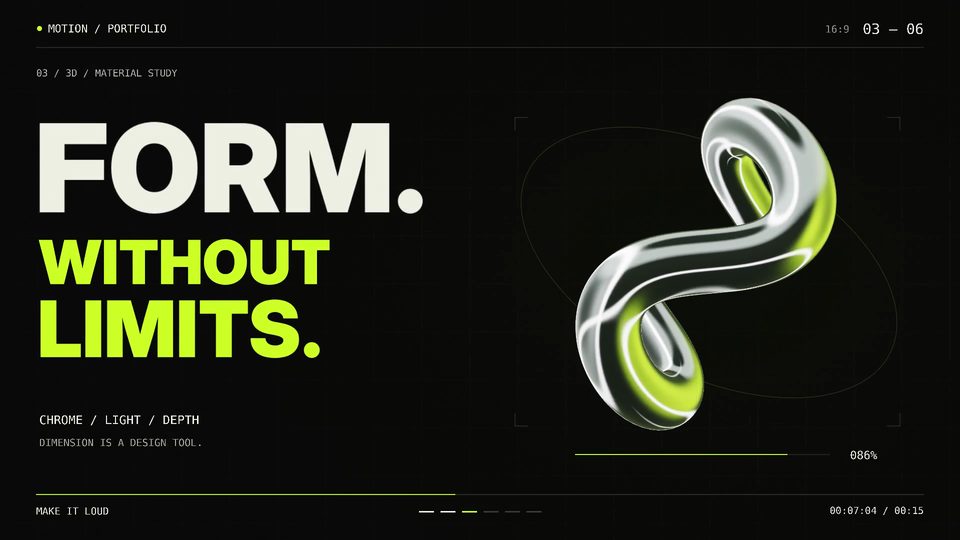 00:32
00:32Showreel with Blender 3D and self-made soundtrack
Three.jsOpus 5.5
1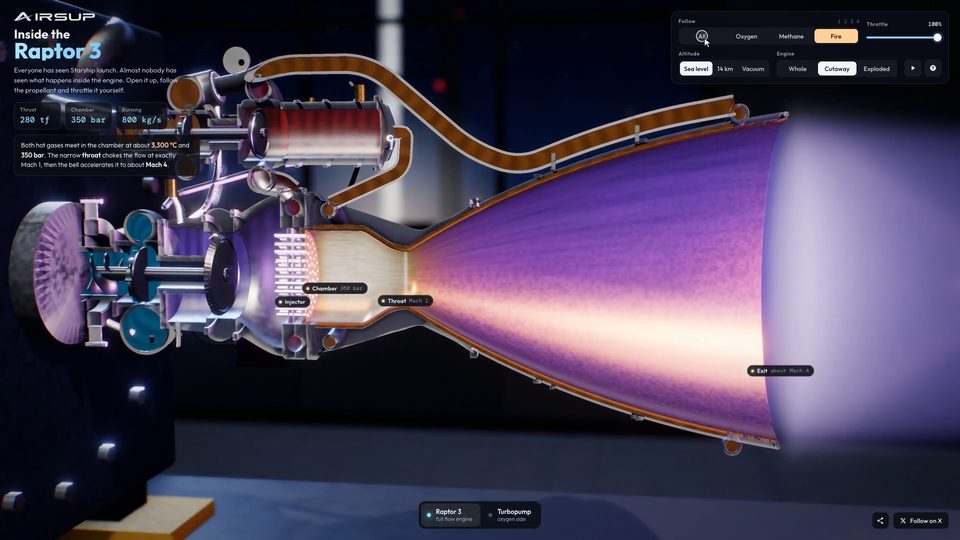 00:35
00:35Interactive 3D Raptor 3 Rocket Engine WebGL Model
Three.jsOpus 5.5
1 00:18
00:18Mobile game reward animation template
Three.jsOpus 5.5
1 00:15
00:15Mobile Game Reward Reveal Animation
Three.jsOpus 5.5
1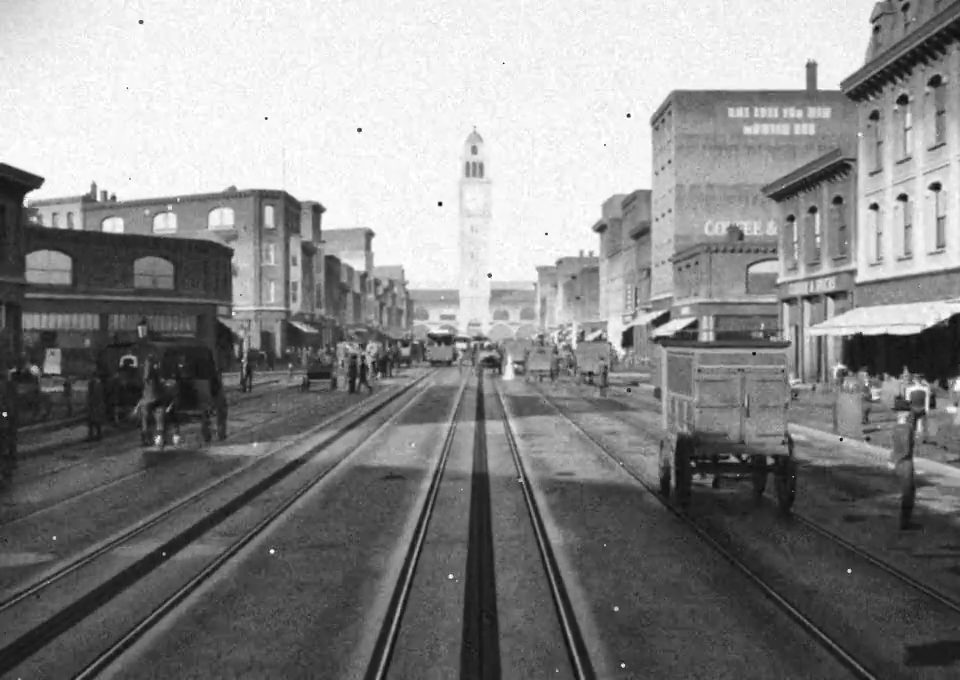 00:08
00:081906 San Francisco Market Street in Blender
Three.jsOpus 5.5
1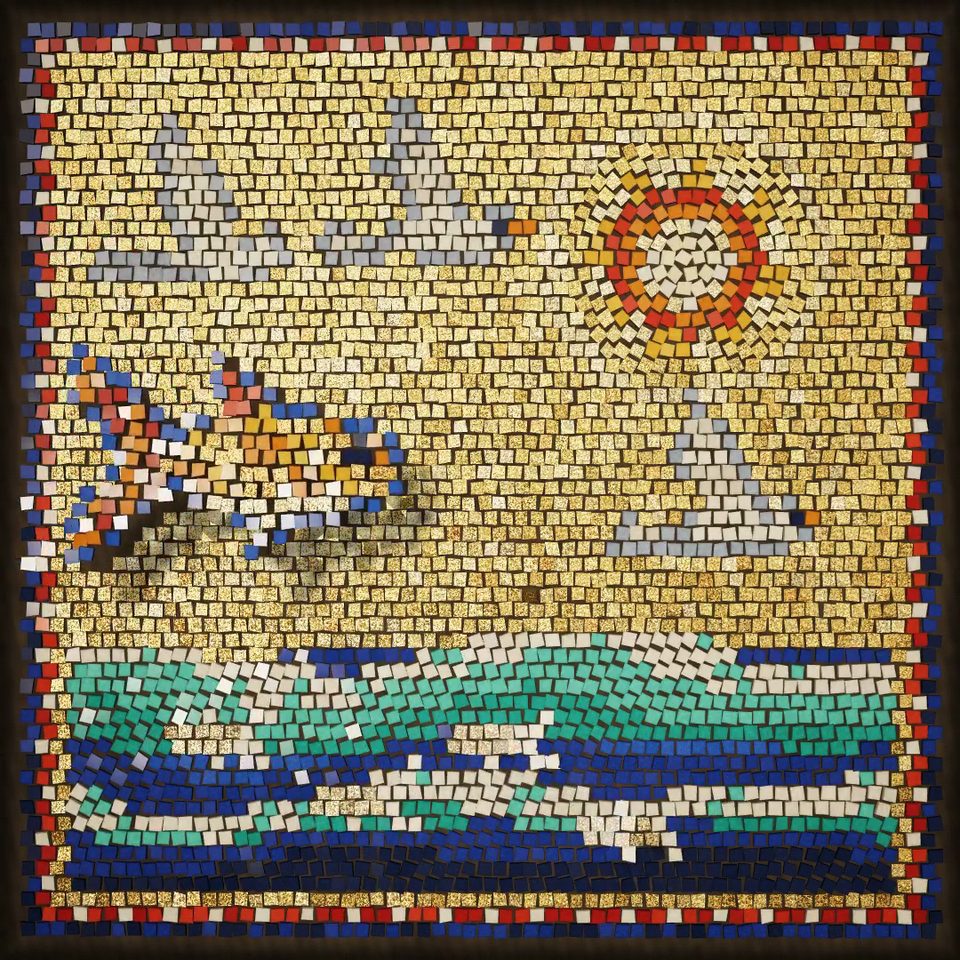 01:20
01:20Glass and gold mosaic that comes alive
Three.jsOpus 5.5
1