
Original post by @rexan_wong · View on X ↗
The original recipe
From the creator1,054 chars
1. Get reference videos to direct from -> whatships.com. Pick 1-2 videos whose style you want and tell Opus to match them. Naming a style works way better than describing one. Without a reference, Opus falls back to its default look: centered text, gradient background, everything fading in.
2. Install HyperFrames or Remotion so Opus can build the video — every scene as code, rendered straight to MP4; a change edits one line and re-renders.
3. Install 21st.dev (@21st_dev) for high-quality real UI components instead of whatever Opus invents.
4. Dump all context into Opus: brand (logo, colors, fonts), screenshots of your real product, the reference video, a quick braindump of how you see the video. Ask for 3 storyboard variants.
5. Pick the storyboard you like. Ask for one still frame per scene before anything moves.
6. Let Claude cook, then give notes like a director: "slow every zoom to 0.7x", "hard cut here", "push in on the button". Camera words get exactly the change you want.
Music: ElevenLabs music + SFX via API, or free music online.
Verified: this exact prompt appears in the creator's post or reply on X.
More like this
 05:15
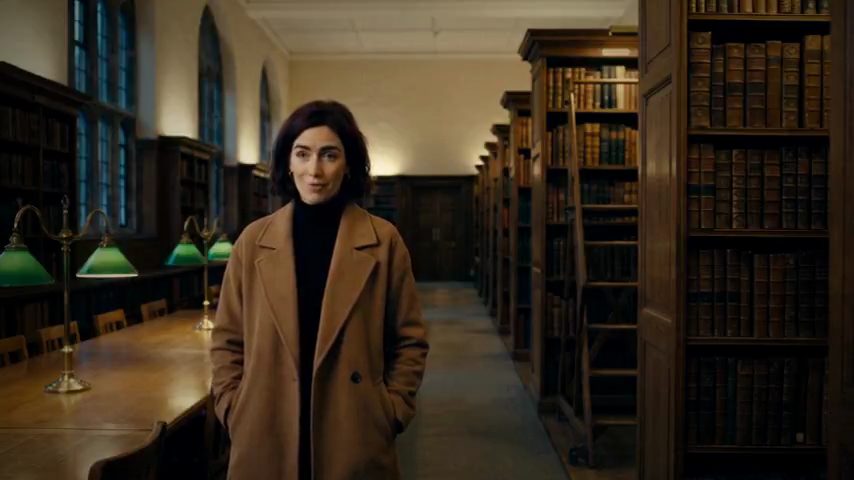
05:15A documentary about superintelligence
OtherOpus 5.5
1 00:15
00:15A character-led Pocketsflow product explainer
OtherOpus 5.5
1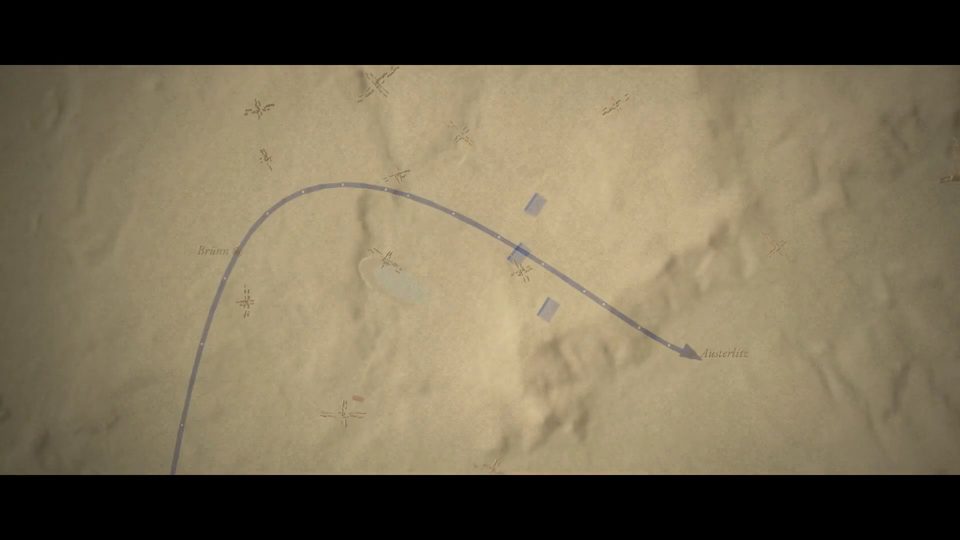 05:01
05:01The Battle of Austerlitz in code
OtherOpus 5.5
1 12:12
12:12Transformers: from intuition to mathematics
OtherOpus 5.5
1 02:38
02:38Five thousand years of Chinese history
OtherOpus 5.5
1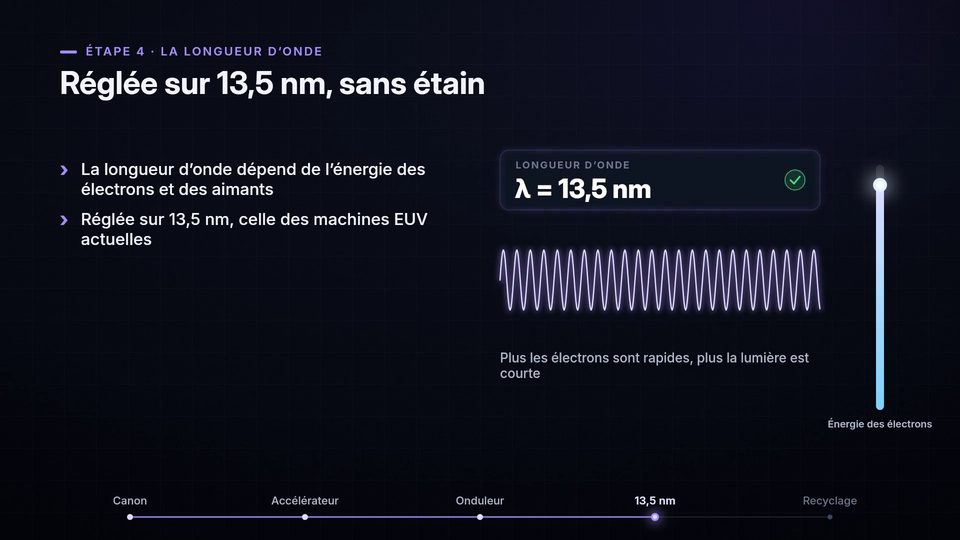 03:21
03:21Explainer on free-electron lasers
OtherOpus 5.5
1