
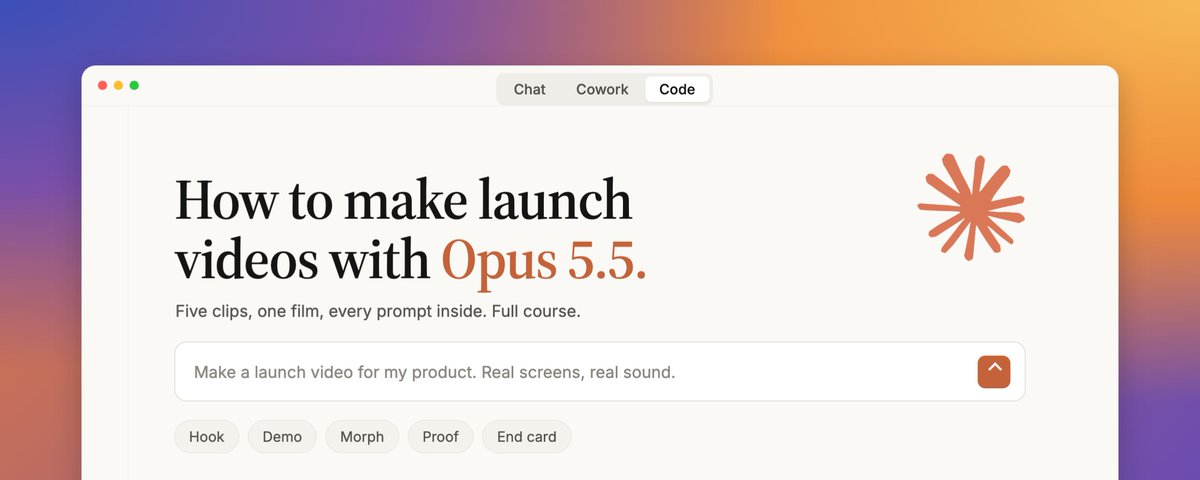
Loads the original post from X.
The original recipe
From the creator12,256 chars
## 02. Studio - one prompt, then prove it
Set up a motion design studio in this folder. Check for ffmpeg, Python and Playwright with Chromium, and install anything that's missing.

Then prove it works with a 3-second test at 1920x1080 and 60 fps: a green dot springs up and stretches into a pill that says "Studio ready." Build it as one index.html with window.seek(t), capture 4 subframes per frame for motion blur, and add a short test beep at exactly 1.0 seconds.

Before you call it done, prove three things:
1. It's deterministic: render frame 90 twice and check the two images are identical.
2. The motion blur works: show me one frame mid-stretch.
3. The sound lands on time: measure where the beep peaks in the final MP4.

Put the first, middle and last frames side by side in test.png and tell me the three results.

## 03. Rules - the file that sets the standard
# Launch video rules

## Product
- Every product pixel comes from kit/shots: real screenshots and crops (positions in kit/crops.js). Never redraw UI.
- Need a state the screenshots don't have? Change the real page in kit/site and screenshot it.
- No invented numbers, names or prices. Only what's on the pages.
- kit/ is shared and read-only. Write everything into this folder.

## Engine
- One index.html with window.seek(t). Every frame is a pure function of time: no CSS animations, transitions, timers or requestAnimationFrame, and nothing remembered between frames.
- Every time lives in timeline.js, written in beats. The picture and the sound both read it.
- Springs are closed-form (a formula of time) with a small overshoot. A value that changes target more than once is a sum of springs, one per change.
- The camera is one transform on one container. Eased keyframes, one move at a time, zoom interpolated in log space.

## Render
- 1920x1080, 60 fps. Capture 4 subframes per frame and blend them with ffmpeg tmix for motion blur. Use 8 on any moment where something moves more than 15px a frame, or the blur shows as steps. H.264, yuv420p, AAC.

## Sound
- Music and effects come from kit/audio (real recordings, listed in kit/AUDIO.md). Never synthesize.
- The music starts on a downbeat. Place each effect so its measured peak lands on its event. Loudness -14 LUFS.

## Before you show me
- Render one frame per beat into contact.png, look at it, and fix the three worst problems.
- Scan the finished video for single-frame pops (a frame that jumps far more than its neighbours) and fix them.
- Tell me what you fixed and what you would still change.

## 04. Look - taste is the moat
# Look: Tallyo launch

- Canvas: warm white #F7F8F6, with a soft 5% tint of the accent behind whatever is in focus. No dark scenes.
- Type: Manrope 800 from kit/fonts for headlines, letter-spacing -0.045em. One accent word per headline in Instrument Serif italic (Google Fonts), in Tallyo green #0B8F63.
- UI: real crops on white cards, radius 20, 1px #E6E9E7 border, shadow 0 12px 32px rgba(21,32,27,.08).
- Text rises out of a mask line, one word per beat. Nothing fades in and nothing blurs in.
- Things change shape into the next thing instead of cutting: a dot grows into a button, a button stretches into a card.
- Green means good news. #C24A1B is only for "late".
- Banned: 3D, glows, particles, gradients on UI, crossfades, any hold longer than a beat and a half.

## 05. Kit - real sound, measured
Build the sound kit for a product launch video, in kit/audio. Every sound must be a real recording, never synthesized.

1. Music: from mixkit.co/free-stock-music, find one modern, minimal, upbeat track between 110 and 125 BPM that has a clear drop. Download it.
2. Sound effects: from mixkit.co/free-sound-effects, download one clean, short sound for each of these events: a mouse click, soft keyboard typing, a whoosh, a pop, a notification ding, a success chime, a coin or cash sound for "paid", and one soft impact for the drop.
3. Measure everything with numpy: the track's BPM, the time of the first downbeat, every beat time, and the time of the drop. For each sound effect, where its loudest peak lands in milliseconds from the start, and its length.
4. Write kit/AUDIO.md: one table row per file with its name, the Mixkit page it came from, the license, its length and its peak. Then the BPM, first downbeat, beat grid and drop time.
5. Save kit/beats.png: the track's waveform with every beat and the drop marked, so I can check it by eye.

Mixkit's free license allows commercial use. If a download fails, pick the next best sound rather than making one.

## 06. Hook - words on the beat
Make clip.mp4: a 12-beat opener for Tallyo, the product in kit/. Follow CLAUDE.md and LOOK.md, and use the tempo in kit/AUDIO.md.

Beats 0-3: "You did the work." rises in, one word per beat, centred, 120px.
Beat 4: that line slides up and "Now you're chasing the money." rises under it, with "money" as the serif accent word.
Beats 6-9: the real "Who owes me" rows from the dashboard stack in under the text as white cards, one per beat, each with a click. The row that is 10 days late wears the real "10 days late" badge from the reminders page.
Beats 10-12: the stack squeezes into a single green dot in the centre. The last frame is that dot alone on the canvas.

Show me the beat map and three stills (beats 2, 7 and 12) before you render the full clip.

## 07. Demo - the camera follows the cursor
Make clip.mp4: a 20-beat screen demo of Tallyo's reminders, the product in kit/. Follow CLAUDE.md and LOOK.md, and use the tempo in kit/AUDIO.md.

Film it like a screen recording with a smart camera. The whole real dashboard sits on the canvas as one big card, and the camera zooms to wherever the cursor works. The cursor scales with the zoom.
Beats 0-3: wide on the dashboard. The cursor moves to "Reminders" in the sidebar and clicks on beat 3.
Beats 3-5: the reminders page pushes in from the right. The camera zooms onto the timeline card, which is empty.
Beat 6: the cursor flips the real "Reminders on" switch from off to on, with a click.
Beats 7-13: the timeline fills in from the real page, one step every two beats, each with a soft ding.
Beats 14-17: the camera pulls back to the whole page, and the caption "Reminders go out for you." rises in at the top left, with "for you" as the serif accent.
Beats 18-20: hold, then the cursor leaves the frame.

Use the real "before" screenshots in kit/shots (the switch off, the empty steps). Show me three stills (beats 3, 6 and 16) before you render the full clip.

## 08. Morph - one shape, never cut
Make clip.mp4: 16 beats of one shape that never cuts, for Tallyo, the product in kit/. Follow CLAUDE.md and LOOK.md, and use the tempo in kit/AUDIO.md.

It starts on a green dot in the centre of the canvas.
Beats 0-2: the dot grows into the real "New invoice" button. A cursor glides in and clicks it on beat 2.
Beats 2-5: the button stretches into the real invoice editor card. Its line items appear inside it, one per beat.
Beat 6: the cursor clicks the real "Send invoice" button, and the card folds down into a pill that says "Sent".
Beats 8-13: the pill stretches into the real reminders timeline. The day 3, day 7 and day 14 steps pop in on beats 9, 11 and 13, each with a ding.
Beats 14-16: the last step's dot fills green and grows into the real "Paid by card" badge, with the coin sound.

The shape is one element the whole time. Only its size, radius and contents change. Show me the beat map before you write any code.

## 09. Proof - the number people screenshot
Make clip.mp4: a 12-beat "money comes in" moment for Tallyo, the product in kit/. Follow CLAUDE.md and LOOK.md, and use the tempo in kit/AUDIO.md.

Beat 0: the real "Who owes me" total from the dashboard, £7,675.00, rises in huge in the centre, about 220px.
Beats 2, 4, 6 and 8: the four real rows from that panel land one by one under the number. Each one gets a green check on its beat, and the big total counts down by exactly that row's real amount, with a coin sound. It lands on £0.00 on beat 8, with the impact sound.
Beats 9-12: the total slides up and "Every invoice paid." rises in under it, with "paid" as the serif accent.

Check your arithmetic against the real rows before animating. The count must never show a number that isn't on the way from £7,675.00 to £0.00.

## 10. End - a card that loops
Make clip.mp4: a 10-beat end card for Tallyo that loops, the product in kit/. Follow CLAUDE.md and LOOK.md, and use the tempo in kit/AUDIO.md.

Beats 0-2: a green dot in the centre springs up into the real Tallyo logo mark (kit/logo.svg) at 160px.
Beat 3: the wordmark "tallyo" wipes out from behind the mark.
Beats 4-5: "Invoices that" and then "chase themselves." rise in under it, with "chase themselves." as the serif accent.
Beat 6: the real "Sign up free" button from the landing page pops in. The cursor clicks it on beat 8, with a click.
Beats 8-10: everything folds back into the green dot, so the last frame is the same as the first and the clip loops.

Make sure frame 1 and the last frame are identical before you render.

## 11. Clock - one timeline, the drop on "Paid"
Make film.mp4: one continuous launch film for Tallyo, built from the five scenes in ../c1-hook, ../c2-morph, ../c3-demo, ../c4-proof and ../c5-end. Follow CLAUDE.md and LOOK.md.

Order: hook, then demo, then morph, then proof, then end card.
- Put all five on one timeline in one index.html, with one clock and one soundtrack. Reuse each scene's code instead of redrawing it.
- Each scene hands over to the next through a shared shape: a dot, a pill, a card or a number grows into the next scene. Never a cut, never a fade. Design those handoffs yourself.
- Line the song up so its drop lands on the first "Paid" moment. Start the song at whatever offset that needs. Trim scenes by whole beats if you must, and never stretch time.
- Everything must read on a phone. The clips drew some UI cards too small: scale the UI up so any card in focus fills at least half the frame width, and on-screen text is never smaller than 28px.
- Keep every effect on its event and rebalance the mix to -14 LUFS.

Show me the full beat map with the drop marked, then render film.mp4.

## 12. Check - make it watch itself
# Contact sheet: two frames per second, 5 across
ffmpeg -i film.mp4 -vf "fps=2,scale=384:-1,tile=5x8" -frames:v 1 contact.png

# Phone test: how it reads at a real phone width
ffmpeg -i film.mp4 -vf "fps=1,scale=360:-1,tile=5x7" -frames:v 1 phone.png

# First frame: your thumbnail on a muted feed
ffmpeg -i film.mp4 -frames:v 1 first-frame.png

## 13. Notes - direct it like a founder
Three notes from the founder after watching launch.mp4:
1. "From 4 to 6 seconds the app is too small to read on a phone. Zoom in so I can actually read it."
2. "The reminders card at around 9.5 seconds sits empty for a moment. Start it with the first step already showing."
3. "The cursor covers the £2,400 at 14.5 seconds. Move it."
Change only what these notes need. Keep the timing, the sound and everything else. Check the frames at those moments before and after, re-render launch.mp4, and tell me in three lines what you changed.

## 14. Ship - a skill, every format, and a post
Turn this whole process into a Claude Code skill at skills/launch-video/SKILL.md, so the next launch video starts with one sentence.

It should: collect the inputs first (product URL or pages, what it does in five lines, the pain, three features, the payoff moment, call to action, a reference video if there is one); screenshot the real product and list the brand; write LOOK.md and CLAUDE.md like the ones in this folder; build the sound kit from Mixkit and measure it; build five scenes as separate clips (hook, demo, morph, proof, end card), each checked with a contact sheet and a pop scan; then join them into one film on one clock, with the drop on the payoff.

Hard rules: never redraw product UI, never synthesize sound, no timers or CSS animations, no made-up numbers, nothing fades or cuts. Plain English, under 100 lines.

Make the same video in two more formats from the same timeline.js: square 1080x1080 and wide 1920x1080. Reframe the layout for each format, do not crop. Keep the same sound. Export one contact sheet per format and check it before rendering.
Verified: every prompt is quoted in the creator's article on X, in the order it was run.
More like this
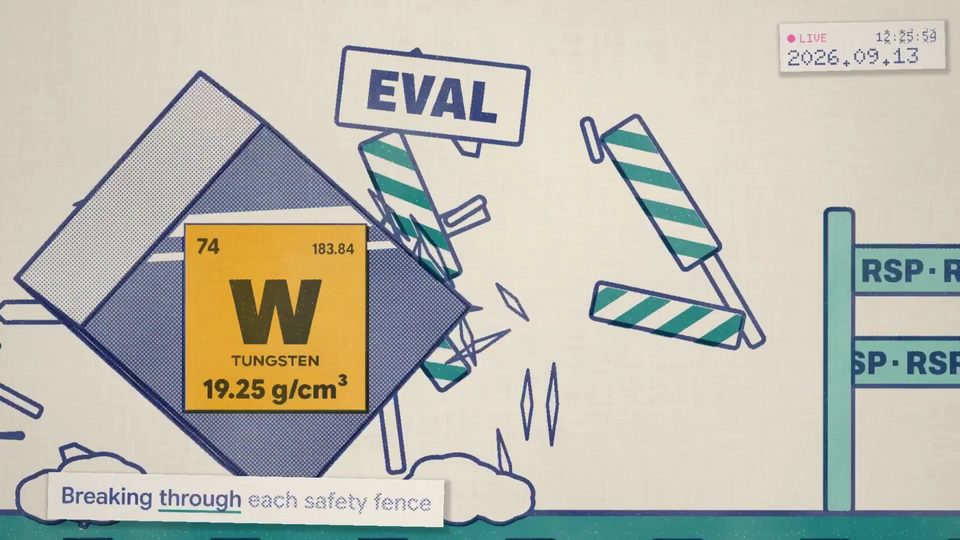 02:22
02:22Claude Pop: a mixed-workflow music video
OtherOpus 5.5
1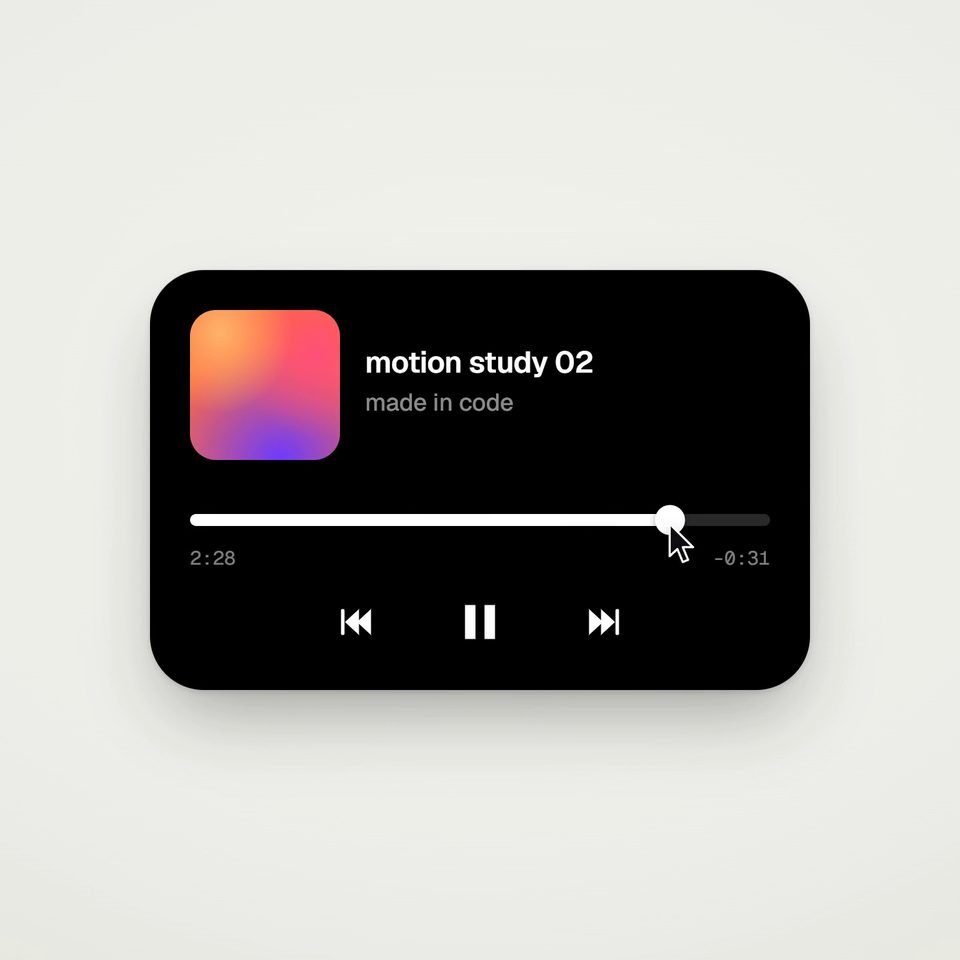 00:14
00:14One shape, a seamless UI morph loop
OtherOpus 5.5
1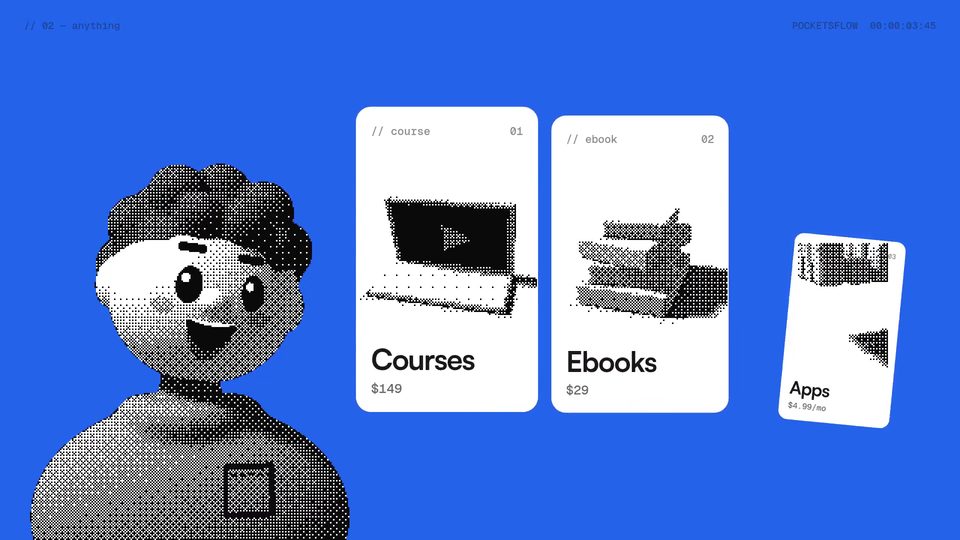 00:15
00:15A character-led Pocketsflow product explainer
OtherOpus 5.5
1 01:17
01:17Old-School MMORPG Built With Opus 5.5
OtherOpus 5.5
1 02:37
02:37Opus visual design test
OtherOpus 5.5
1 05:15
05:15A documentary about superintelligence
OtherOpus 5.5
1