
Looping preview · motionprompts.dev
The build prompt
From motionprompts.dev30,491 chars
# ThreeJS Infinite Vertical Slider (WebGL, velocity vertex-bend, no GSAP)

## Goal
Build a full-screen **infinite vertical slider rendered entirely in Three.js** — no DOM images, no
animation library. Ten textured planes of slightly random heights are stacked head-to-toe into one
tall column inside a WebGL scene and **loop endlessly** as you scroll. Input comes from the **mouse
wheel, click-drag, and touch swipe**; a hand-rolled `requestAnimationFrame` engine lerps a virtual
scroll position, adds **momentum with friction** on release, and wraps the column so slides recycle
forever in both directions. The star effect: **scroll velocity bends each plane's vertices along Z**
— a sine-shaped bulge that peaks at screen center and is **signed by scroll direction** (curves one
way scrolling down, the other way scrolling up) and **scaled by how fast/decelerating you are**, so
the images ripple into a soft curved sheet while moving and flatten back out when still. Two small
HTML text nodes — a slide **title** and a zero-padded **counter** — always track the slide currently
closest to center.

## Tech
- Vanilla HTML / CSS / JS with ES module imports, bundled by **Vite**.
- **`three` (npm)** only, imported `import * as THREE from "three";`.
- **No GSAP, no ScrollTrigger, no Lenis, no shaders.** The mesh geometry is deformed on the CPU by
  writing vertex Z positions every frame; all motion is a single custom `requestAnimationFrame` loop
  with manual lerp smoothing and momentum. Uses `MeshBasicMaterial` (unlit) — no lights needed.
- Desktop uses wheel + mouse drag; mobile uses touch. Everything is a single `script.js`.

## Data model
Ten slide objects, each `{ name, img }`. Use neutral, fictional one/two-word titles (no real
brands), e.g.:
```js
const slides = [
  { name: "Contour",        img: "/path/img1.jpg"  },
  { name: "Velum Drift",    img: "/path/img2.jpg"  },
  { name: "Quiet Exchange", img: "/path/img3.jpg"  },
  { name: "Earth Routine",  img: "/path/img4.jpg"  },
  { name: "Metal Echo",     img: "/path/img5.jpg"  },
  { name: "Tanned Edge",    img: "/path/img6.jpg"  },
  { name: "Humidity",       img: "/path/img7.jpg"  },
  { name: "Limestone Air",  img: "/path/img8.jpg"  },
  { name: "Warm Surface",   img: "/path/img9.jpg"  },
  { name: "Dust & Craft",   img: "/path/img10.jpg" },
];
```

## Layout / HTML
Almost no DOM — just the WebGL `<canvas>` and a two-item text overlay. The `<p>` nodes start empty;
JS fills them.
```html
<section class="slider">
  <div class="slide-info">
    <p id="slide-title"></p>
    <p id="slide-count"></p>
  </div>
  <canvas></canvas>
</section>
<script type="module" src="./script.js"></script>
```
`document.querySelector("canvas")` is passed straight into the renderer; `p#slide-title` and
`p#slide-count` are cached for the active-slide readout.

## Styling
Global reset: `* { margin:0; padding:0; box-sizing:border-box; user-select:none; }`

- **Font:** `p { font-family: "PP Neue Montreal", sans-serif; font-weight: 500; }` — a clean neutral
  grotesque sans (use any Neue-Montreal-style face or a system sans fallback). All text weight **500**.
  Default browser font size (no size override on the `<p>`s — they render at ~16px).
- **`section`** — `position: relative; width: 100%; height: 100svh; overflow: hidden;`
- **`canvas`** — `position: fixed; top: 0; left: 0; width: 100%; height: 100%; overflow: hidden;`
  (the WebGL surface fills the whole viewport behind the text).
- **`.slide-info`** — `position: absolute; top: 50%; left: 0; transform: translateY(-50%);
  width: 100%; padding: 0 2rem; display: flex; justify-content: space-between; color: #fff;
  z-index: 2;` — a vertically centered row spanning the full width: **title pinned left, counter
  pinned right**, both white, floating over the canvas.
- The scene's own background is a near-black `#141414` set on the Three.js scene (below), so the
  page reads as white text on a very dark WebGL field.

## The star effect — Three.js infinite column + velocity vertex-bend (be exact)
This is a near-verbatim port. Reproduce the constants, the stacking math, the distortion function,
the input math, and the per-frame loop exactly.

### Renderer, scene & camera
```js
const renderer = new THREE.WebGLRenderer({ canvas, antialias: true, preserveDrawingBuffer: true });
renderer.setSize(window.innerWidth, window.innerHeight);
renderer.setPixelRatio(Math.min(window.devicePixelRatio, 2));

const scene = new THREE.Scene();
scene.background = new THREE.Color(0x141414);            // near-black field

const camera = new THREE.PerspectiveCamera(45, window.innerWidth / window.innerHeight, 0.1, 100);
camera.position.z = 5;                                    // looking down the -Z axis at the column
```

### Config constants (use these exact values)
```js
const config = {
  minHeight: 1,               // slide plane min height (world units)
  maxHeight: 1.5,             // slide plane max height
  aspectRatio: 1.5,           // plane width = height * 1.5 (landscape planes)
  gap: 0.05,                  // vertical gap between stacked slides
  smoothing: 0.05,            // scrollPosition -> scrollTarget lerp per frame
  distortionStrength: 2.5,    // Z bulge multiplier
  distortionSmoothing: 0.1,   // distortionAmount lerp per frame
  momentumFriction: 0.95,     // momentum decay per frame
  momentumThreshold: 0.001,   // below this momentum snaps to 0
  wheelSpeed: 0.01,           // wheel delta -> scroll units
  wheelMax: 150,              // per-wheel-event delta clamp
  dragSpeed: 0.01,            // mouse-drag px -> scroll units
  dragMomentum: 0.01,         // mouse-drag release -> momentum
  touchSpeed: 0.01,           // touch-move px -> scroll units
  touchMomentum: 0.1,         // touch release -> momentum
};
```

Helpers used throughout:
```js
const wrap = (value, range) => ((value % range) + range) % range;   // always-positive modulo
const zeroPad = (n) => String(n).padStart(2, "0");
```

### Random heights + head-to-toe stacking (defines the loop length)
Each slide gets a random height in `[minHeight, maxHeight]`, then they are stacked into one column;
`slideOffsets[i]` is the **center position** of slide i along the vertical axis:
```js
const totalSlides = slides.length;                                   // 10
const slideHeights = Array.from({ length: totalSlides },
  () => config.minHeight + Math.random() * (config.maxHeight - config.minHeight));

const slideOffsets = [];
let stackPosition = 0;
for (let i = 0; i < totalSlides; i++) {
  if (i === 0) {
    slideOffsets.push(0);
    stackPosition = slideHeights[0] / 2;
  } else {
    stackPosition += config.gap + slideHeights[i] / 2;   // walk to this slide's center
    slideOffsets.push(stackPosition);
    stackPosition += slideHeights[i] / 2;                // walk to its far edge
  }
}
const loopLength = stackPosition + config.gap + slideHeights[0] / 2;  // full cycle length
const halfLoop = loopLength / 2;
```

### Meshes + texture cover-fit
One `PlaneGeometry` per slide, **subdivided `32 × 16`** (width × height segments — enough vertices
for a smooth CPU bend). `MeshBasicMaterial`, double-sided, starts flat grey `0x999999` until its
texture loads:
```js
for (let i = 0; i < totalSlides; i++) {
  const height = slideHeights[i];
  const width  = height * config.aspectRatio;
  const geometry = new THREE.PlaneGeometry(width, height, 32, 16);
  const material = new THREE.MeshBasicMaterial({ side: THREE.DoubleSide, color: 0x999999 });
  const mesh = new THREE.Mesh(geometry, material);

  mesh.userData = {
    originalVertices: [...geometry.attributes.position.array],   // pristine copy for distortion
    offset: slideOffsets[i],
    name: slides[i].name,
    index: i,
  };

  textureLoader.load(slides[i].img, (texture) => {
    texture.colorSpace = THREE.SRGBColorSpace;
    material.map = texture;
    material.color.set(0xffffff);          // reveal texture at full brightness
    material.needsUpdate = true;
    // fit image aspect by shrinking the mesh in one axis (letterbox-contain, keeps no stretch)
    const imageAspect = texture.image.width / texture.image.height;
    const planeAspect = width / height;    // = config.aspectRatio
    const ratio = imageAspect / planeAspect;
    if (ratio > 1) mesh.scale.y = 1 / ratio;   // image wider than plane -> shrink height
    else           mesh.scale.x = ratio;        // image taller -> shrink width
  });

  scene.add(mesh);
  meshes.push(mesh);
}
```
Keep `mesh.userData.originalVertices` — the distortion always reads from this pristine array, never
from the already-bent live positions, so it never accumulates.

### The vertex bend (`applyDistortion`, called per visible mesh per frame)
For every vertex, measure its distance from world origin using its **local x** and its **world y**
(mesh position + local y), build a sine-shaped falloff that peaks at center and dies by distance 2,
and write that as the vertex's Z. `strength` is the signed, velocity-scaled amount from the loop:
```js
function applyDistortion(mesh, positionY, strength) {
  const positions = mesh.geometry.attributes.position;
  const original  = mesh.userData.originalVertices;
  for (let i = 0; i < positions.count; i++) {
    const x = original[i * 3];
    const y = original[i * 3 + 1];
    const distance = Math.sqrt(x * x + (positionY + y) ** 2);   // radial distance from screen center
    const falloff  = Math.max(0, 1 - distance / 2);             // 1 at center -> 0 at dist 2
    const bend     = Math.pow(Math.sin((falloff * Math.PI) / 2), 1.5);  // eased 0..1 hump
    positions.setZ(i, bend * strength);                          // push vertex toward/away from camera
  }
  positions.needsUpdate = true;
  mesh.geometry.computeVertexNormals();
}
```
Because `strength` can be negative (see `signedDistortion`), the sheet bulges toward the camera when
scrolling one direction and away when scrolling the other — the whole column reads as a curved,
direction-aware ripple centered on the middle of the screen.

### State (module-level)
```js
let scrollPosition = 0, scrollTarget = 0, scrollMomentum = 0, isScrolling = false, lastFrameTime = 0;
let distortionAmount = 0, distortionTarget = 0, velocityPeak = 0, scrollDirection = 0, directionTarget = 0;
const velocityHistory = [0, 0, 0, 0, 0];                 // rolling window of 5 samples
let isDragging = false, dragStartY = 0, dragDelta = 0, touchStartY = 0, touchLastY = 0;
let activeSlideIndex = -1;
const addDistortionBurst = (amount) => { distortionTarget = Math.min(1, distortionTarget + amount); };
```

### Input handlers (exact math — all on `window`, drag also toggles the canvas cursor)
- **Wheel** (`{ passive:false }`, `preventDefault`): clamp the delta to `±wheelMax`, add a distortion
  burst proportional to it, advance the scroll target, and mark scrolling with a 150 ms debounce:
  ```js
  const clampedDelta = Math.sign(e.deltaY) * Math.min(Math.abs(e.deltaY), config.wheelMax);
  addDistortionBurst(Math.abs(clampedDelta) * 0.001);
  scrollTarget += clampedDelta * config.wheelSpeed;
  isScrolling = true;
  clearTimeout(window._scrollTimeout);
  window._scrollTimeout = setTimeout(() => (isScrolling = false), 150);
  ```
- **Touchstart** (`{ passive:false }`): `touchStartY = touchLastY = e.touches[0].clientY;
  isScrolling = false; scrollMomentum = 0;`
- **Touchmove** (`{ passive:false }`, `preventDefault`):
  ```js
  const deltaY = e.touches[0].clientY - touchLastY;
  touchLastY = e.touches[0].clientY;
  addDistortionBurst(Math.abs(deltaY) * 0.02);
  scrollTarget -= deltaY * config.touchSpeed;      // drag up -> scroll forward
  isScrolling = true;
  ```
- **Touchend:** compute a swipe velocity; if it exceeds a threshold, fling with momentum and a big
  distortion burst, then release scrolling after 800 ms:
  ```js
  const swipeVelocity = (touchLastY - touchStartY) * 0.005;
  if (Math.abs(swipeVelocity) > 0.5) {
    scrollMomentum = -swipeVelocity * config.touchMomentum;
    addDistortionBurst(Math.abs(swipeVelocity) * 0.45);
    isScrolling = true;
    setTimeout(() => (isScrolling = false), 800);
  }
  ```
- **Mouse drag** — `canvas.style.cursor = "grab"` initially.
  - **mousedown:** `isDragging = true; dragStartY = e.clientY; dragDelta = 0; scrollMomentum = 0;
    canvas.style.cursor = "grabbing";`
  - **mousemove** (only while dragging): `deltaY = e.clientY - dragStartY; dragStartY = e.clientY;
    dragDelta = deltaY; addDistortionBurst(Math.abs(deltaY) * 0.02);
    scrollTarget -= deltaY * config.dragSpeed; isScrolling = true;`
  - **mouseup:** `isDragging = false; canvas.style.cursor = "grab";` then if `|dragDelta| > 2`:
    `scrollMomentum = -dragDelta * config.dragMomentum;
    addDistortionBurst(Math.abs(dragDelta) * 0.005); isScrolling = true;`
    and `setTimeout(() => (isScrolling = false), 800);`
- **Resize:** update `camera.aspect`, `camera.updateProjectionMatrix()`, and `renderer.setSize(...)`.

### The render loop (`animate(time)` — recursive rAF, this is the whole engine)
```js
function animate(time) {
  requestAnimationFrame(animate);
  const deltaTime = lastFrameTime ? (time - lastFrameTime) / 1000 : 0.016;
  lastFrameTime = time;
  const previousScroll = scrollPosition;

  // 1. momentum (only while "scrolling"): add, then decay by friction, snap tiny to 0
  if (isScrolling) {
    scrollTarget += scrollMomentum;
    scrollMomentum *= config.momentumFriction;                 // 0.95
    if (Math.abs(scrollMomentum) < config.momentumThreshold) scrollMomentum = 0;
  }

  // 2. smooth the rendered scroll toward its target
  scrollPosition += (scrollTarget - scrollPosition) * config.smoothing;   // 0.05
  const frameDelta = scrollPosition - previousScroll;

  // 3. smoothed scroll DIRECTION (-1..1), lerped so sign flips ease in
  if (Math.abs(frameDelta) > 0.00001) directionTarget = frameDelta > 0 ? 1 : -1;
  scrollDirection += (directionTarget - scrollDirection) * 0.08;

  // 4. velocity + 5-sample rolling average, and a decaying peak tracker
  const velocity = Math.abs(frameDelta) / deltaTime;
  velocityHistory.push(velocity); velocityHistory.shift();
  const averageVelocity = velocityHistory.reduce((a, b) => a + b) / velocityHistory.length;
  if (averageVelocity > velocityPeak) velocityPeak = averageVelocity;
  const isDecelerating = averageVelocity / (velocityPeak + 0.001) < 0.7 && velocityPeak > 0.5;
  velocityPeak *= 0.99;

  // 5. drive the distortion target from speed, and shrink it when slow/decelerating
  if (velocity > 0.05) distortionTarget = Math.max(distortionTarget, Math.min(1, velocity * 0.1));
  if (isDecelerating || averageVelocity < 0.2)
    distortionTarget *= isDecelerating ? 0.95 : 0.855;
  distortionAmount += (distortionTarget - distortionAmount) * config.distortionSmoothing;  // 0.1
  const signedDistortion = distortionAmount * scrollDirection;   // <- signed by direction

  // 6. place every mesh in the wrapped column, bend the visible ones, track the centered slide
  let closestDistance = Infinity, closestIndex = 0;
  meshes.forEach((mesh) => {
    const { offset } = mesh.userData;
    let y = -(offset - wrap(scrollPosition, loopLength));
    y = wrap(y + halfLoop, loopLength) - halfLoop;    // recenter into [-halfLoop, halfLoop]
    mesh.position.y = y;
    if (Math.abs(y) < closestDistance) { closestDistance = Math.abs(y); closestIndex = mesh.userData.index; }
    if (Math.abs(y) < halfLoop + config.maxHeight)
      applyDistortion(mesh, y, config.distortionStrength * signedDistortion);
  });

  // 7. update the HTML title + counter when the centered slide changes
  if (closestIndex !== activeSlideIndex) {
    activeSlideIndex = closestIndex;
    titleElement.textContent  = slides[activeSlideIndex].name;
    counterElement.textContent = zeroPad(activeSlideIndex + 1);   // "01".."10"
  }

  renderer.render(scene, camera);
}
animate();
```

### What makes the feel (keep every constant)
- **Infinite loop:** step 6's double-`wrap` maps each slide's fixed `offset` into `[-halfLoop,
  halfLoop]` around the live scroll, so planes leaving one edge reappear at the other — endless in
  both directions with only 10 meshes.
- **Two-stage smoothing + momentum:** `smoothing 0.05` lerps the rendered scroll toward the target;
  on release, `scrollMomentum` (from drag/swipe) keeps feeding the target while decaying at
  `friction 0.95` until it drops under `0.001`. That is the weighty glide-to-stop.
- **Signed, velocity-reactive bend:** `distortionTarget` rises with instantaneous velocity (capped
  at 1), input bursts add to it, and it decays faster when the rolling average shows you're
  decelerating (`×0.95`) or nearly idle (`×0.855`). `distortionAmount` lerps toward it at `0.1`.
  Multiplying by the smoothed `scrollDirection (−1..1)` gives `signedDistortion`, so the sheet
  curves toward the camera one way and away the other, and flattens to zero when you stop.
- The per-frame `computeVertexNormals()` after each bend is what keeps the double-sided planes
  shading correctly as they deform.

## Assets / images
**10 slide textures** — an editorial set split between **high-contrast black-and-white portrait
crops** (the majority) and a few **warm-toned natural macro / still-life** frames on dark grounds.
The B&W frames set the tone; the warm nature shots are the accents. Real subjects and dominant
colors in the visible set:
- **B&W portrait crops (the dominant look):** a straight-on cropped close-up of a young man's face —
  cropped at hairline and mouth, eyes to camera, on a plain pale-grey studio ground (neutral greys,
  landscape ~4:3); a woman's **profile** with a sleek dark bob and a single pearl earring over a
  black blazer collar, against light grey (**portrait/tall ~2:3** — the one clearly vertical frame);
  a cropped lips/chin/neck rising out of a black blazer lapel, dramatic side light on grey
  (charcoal + grey, landscape ~4:3); a mouth and chin seen **through translucent sheer fabric / a
  veil** that fills most of the frame in soft high-key white-grey (near-white, landscape ~3:2).
- **Warm natural macro / still life (the accents):** curled, veined **dried leaves** glowing
  copper/rust, lit against a near-black ground (deep warm browns + amber, landscape ~3:2);
  slender **backlit seedlings / sprouts** rimmed gold against a dark violet-blue bokeh (olive-gold
  on deep purple — the coolest background in the set, landscape ~3:2); two pale **cream moths** with
  faint pink edges on a rich **dark burgundy** velvet ground (ivory on maroon, landscape ~3:2).
- One remaining warm frame continues in the same register: a **golden backlit** smiling woman with
  curly dark hair and white earbuds, blown-out sun flare over a Mediterranean courtyard (warm
  ambers/creams, landscape ~4:3).

Aspect ratios **vary** — most are **landscape ~3:2 / 4:3**, one is clearly **portrait/tall** (the
B&W profile). Exact aspect doesn't matter: each mesh contain-fits its own texture by scaling one
axis, so nothing stretches. No logos or baked-in text. (For a faithful repro, any 10 high-detail,
tonal photos work; the bend and loop show best on textured frames — the set stays cohesive by
pairing moody B&W portrait crops with a few warm, dark-ground nature/still-life shots.)

## Behavior notes
- **Interaction-driven, no autoplay:** the column only moves on wheel / drag / touch; when idle it
  sits still and fully flat (distortion eases to 0).
- **Whole viewport is the surface** — the fixed canvas fills the screen; the page itself never
  scrolls (wheel/touch are `preventDefault`ed and consumed by the virtual scroll).
- `pixelRatio` capped at 2. `MeshBasicMaterial` means no lighting setup. No reduced-motion branch and
  no mobile/desktop layout switch in the original — the same scene runs everywhere, driven by
  whichever input the device provides.
- `preserveDrawingBuffer: true` is set on the renderer (needed for reliable off-thread capture /
  thumbnails); keep it.

## Images

This component ships with 10 reference assets, served publicly.
Use them as-is to reproduce the demo faithfully, then swap in your own — the layout expects the
same aspect ratios.

```
https://motionprompts.dev/c/threejs-slider/img1.jpg
https://motionprompts.dev/c/threejs-slider/img10.jpg
https://motionprompts.dev/c/threejs-slider/img2.jpg
https://motionprompts.dev/c/threejs-slider/img3.jpg
https://motionprompts.dev/c/threejs-slider/img4.jpg
https://motionprompts.dev/c/threejs-slider/img5.jpg
… 4 more under https://motionprompts.dev/c/threejs-slider/
```

They are hotlinkable for prototyping. For anything you ship, replace them: they are licensed for
demonstration of this component, not for redistribution.

## Using this outside its demo page

This component is written as a complete page — that is how the demo is meant to look. If you are dropping it into an existing project, or combining it with other components, these are the things it declares at document level and that you need to move or reconcile first.

- **Palette on `:root`** — `--ink`, `--ivory`. These names are not namespaced and they collide: `--ink` is defined by 164 of the 219 components in this catalogue, `--paper` by 94, `--muted` by 80, each with different values — and they will also collide with whatever your own project defines. Move them onto the component's wrapper (`.my-section { --ink: … }`) or rename them with a prefix.
- **Rules on `*`, `html, body`** — the demo owns the whole document, so these set the page background, typography and resets. Dropped into an existing project they restyle the entire page, not just this section. Re-target them at the component's wrapper before using it.

## Adapting this to React

Everything above describes a `mount(config)` / `destroy()` pair that already tears itself down: one call builds the renderer, scene, camera, the ten textured planes, the eight `window` listeners for wheel, touch, drag and resize, and the `animate()` loop that drives all of it, and the function it returns cancels the frame, removes all eight listeners, clears every pending debounce timeout, disposes each mesh's geometry, material and texture, and force-loses the WebGL context. This component was written to survive being re-invoked by this catalog's own editor runtime (`window.MP.register`), so most of the discipline a React effect needs is already on the page — but `mount`/`destroy` were built for one external caller re-triggering them deliberately, not for React's own remount timing, and the two do not line up for free. Under React 19 with StrictMode, every effect mounts, unmounts, and mounts again before anything reaches the screen. Call `mount()` without wiring its return value back as the effect's own cleanup, and the second mount builds a second `WebGLRenderer` racing to draw into a second cloned `<canvas>`, binds a second set of wheel/touch/drag listeners to the same `window`, and starts a second `animate()` loop stacking its own ten planes on top of the first — two columns answering the same wheel event, drawn one over the other. It will not reproduce in a production build, because only development does the double mount. Treat `destroy()` as the cleanup itself, not as something the effect calls in addition to its own teardown.

*(1) The entry point* — the bottom of the file checks `window.MP` first, and only in its absence checks `document.readyState` before deciding whether to wait for `DOMContentLoaded`. Both branches exist for the standalone demo and this catalog's visual editor; neither has a job inside a host React component. Delete the whole `if`/`else`, including the `window.MP.register` branch, and call `mount({ ...DEFAULTS })` directly inside a `useEffect` with an empty dependency array, keeping its return value as the effect's own cleanup. `useEffect` already runs after the DOM is committed, so the race the `readyState` guard protects against cannot happen here.

*(2) Element lookups* — `mount` resolves `canvas`, `p#slide-title` and `p#slide-count` against the document and bails to a no-op `destroy` if the canvas is missing; keep that guard, but scope all three lookups to a root ref instead of `document.querySelector`. During the StrictMode remount two copies of this subtree exist for an instant, and an unscoped `canvas` selector can bind to the copy already on its way out. Keep the line right after the lookup, too: before touching the canvas, `mount` clones it and replaces the original (`existing.cloneNode(false)` / `existing.replaceWith(canvas)`), specifically so a remount never inherits a `<canvas>` whose WebGL context the previous mount's `forceContextLoss()` already killed. Dropping that clone because "the ref already points at the right node" reintroduces the black-canvas-on-remount failure it exists to prevent.

*(3) Cleanup* — four things unmount here, and only three are already guarded. The `animate` loop's own handle (`frame = requestAnimationFrame(animate)`, cancelled with `cancelAnimationFrame(frame)`) and the debounce timeouts collected in the `timers` `Set` (the wheel handler's "stopped scrolling" reset and the drag/swipe momentum-release resets) are both already tracked and torn down correctly — keep that shape. The eight `window` listeners must stay `addEventListener` calls inside the effect rather than JSX `onWheel`/`onTouchMove` props: this handler calls `e.preventDefault()` on wheel and touchmove specifically to stop the page itself from scrolling, which requires the `{ passive: false }` option this code already passes — React's synthetic wheel/touch handlers are attached passively at the root and cannot make that same call. What is *not* guarded today: `textureLoader.load(slides[i].img, callback)` is fire-and-forget, and its callback can land after a StrictMode unmount has already run `destroy()`. When that happens it writes `material.map`, `material.color` and `mesh.scale` onto a material `destroy()` has already disposed and a mesh already pulled out of the scene — harmless to look at, since nothing renders again, but the `texture` object the callback just decoded is never disposed, so every remount that catches a slow image mid-flight leaks one GPU texture per straggling slide. Add a cancellation flag: set it in the returned cleanup, check it at the top of each texture callback, and call `texture.dispose()` instead of assigning it when the flag is already set.

*(4) Rendering this in `@react-three/fiber`* — three 0.185, `@react-three/fiber` 9, drei 10.7, React 19. `<Canvas>` replaces the `WebGLRenderer`/`Scene`/`PerspectiveCamera` block: carry `antialias` and `preserveDrawingBuffer` into its `gl` prop, cap `dpr` at the same value the manual `setPixelRatio` call uses, and give the camera the same field of view, near/far planes and starting Z. Do **not** switch this one to `frameloop="demand"`: `animate()` keeps running the two-stage smoothing and the distortion decay every frame even at rest — momentum bleeding off, the bend easing back to flat — so freezing the loop between explicit `invalidate()` calls would freeze that idle decay too. Pin `<Canvas>` to its default continuous loop, and move the whole per-frame body of `animate` (steps 1–7) into the `useFrame` callback of a component rendered inside it.

The vertex bend stays exactly as imperative as it is written today: `applyDistortion` mutates `geometry.attributes.position` in place every frame and is not a candidate for a declarative rewrite. Build each plane's pristine `originalVertices` copy once, in a `useMemo` keyed on that slide's height, store it alongside the mesh in a ref array parallel to `slides`, and mutate positions from that ref inside `useFrame` exactly as `mount` does today — deriving it from the live, already-bent positions instead would accumulate the same drift the comment already in this file warns against. Replace `textureLoader.load`'s callback with drei's `useTexture`: it suspends until the texture decodes, so the letterbox aspect-fit (`mesh.scale.x`/`scale.y` from `imageAspect`/`planeAspect`) runs once, synchronously, right after load, with no dangling callback to guard against — the leak described in (3) doesn't exist in this form, because Suspense discards the whole boundary on unmount instead of leaving a promise in flight.

The eight input listeners stay outside `<Canvas>` — they bind to `window`, not to any mesh, and R3F's per-object `onWheel`/`onPointerMove` props are pointer events scoped to a hovered object, which is not what a page-wide drag-to-scroll needs. Keep them as plain `window.addEventListener` calls in the wrapping component's own effect, and bridge their output into the `useFrame` callback with a single ref object (holding `scrollPosition`, `scrollTarget`, `scrollMomentum`, `distortionAmount`, `distortionTarget` and `scrollDirection`) created in the parent and passed as a prop to the child mounted inside `<Canvas>` — the closures over local `let` variables that `mount` uses today don't cross the boundary between the listener effect and the Canvas subtree, so this ref is what replaces them. Drive the title and counter the same way: keep the two `<p>` elements as plain DOM siblings of `<Canvas>`, not drei's `<Html>`, which would mount them into the WebGL tree for no reason, and write `titleRef.current.textContent` / `counterRef.current.textContent` straight from inside `useFrame` when the closest slide index changes, instead of calling `setState` — the update happens outside React's own render cycle, and two text nodes that never need reconciliation don't need to go through it either.

A poster is still mandatory here even though the ten planes are visible from the very first frame as flat grey placeholders — the gap a poster covers is the one *before* that: bundle parse, GPU context creation, and the ten `useTexture` suspensions all block the first real `<Canvas>` paint. Render a static image of the column at rest in the same box, sized to the section, and swap it out on `<Canvas>`'s `onCreated`, not once all ten textures resolve — the grey-then-fade-in sequence is this component's own intended look, not something the poster needs to hide.

Skip drei's `Environment` regardless of preset temptation: every material here is `MeshBasicMaterial`, which ignores lights and environment maps by construction, so there is nothing for a preset to light. A preset would add only the third-party CDN dependency baked into drei, and its fail-closed unlit result when that host is unreachable, for zero visual gain on a scene that is already unlit by design.More like this
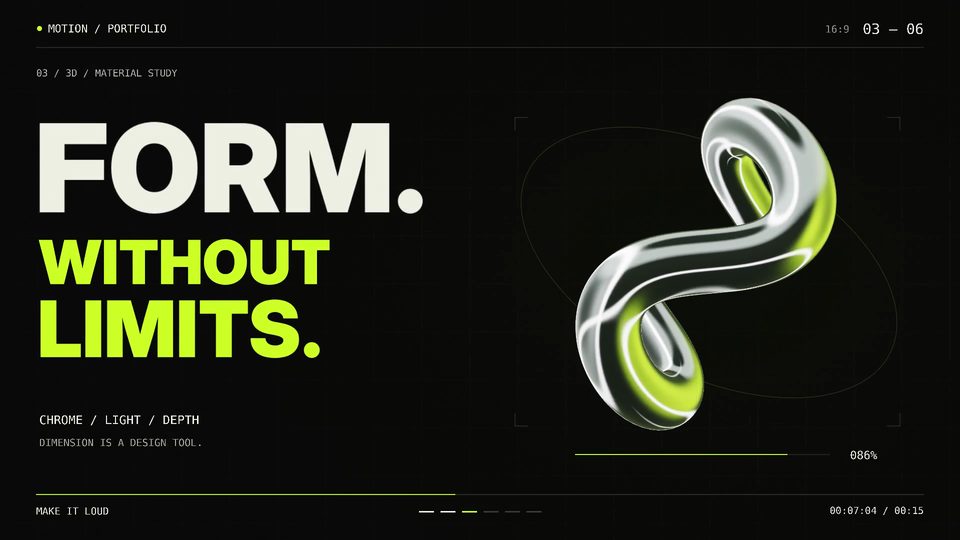 00:32
00:32Showreel with Blender 3D and self-made soundtrack
Three.jsOpus 5.5
1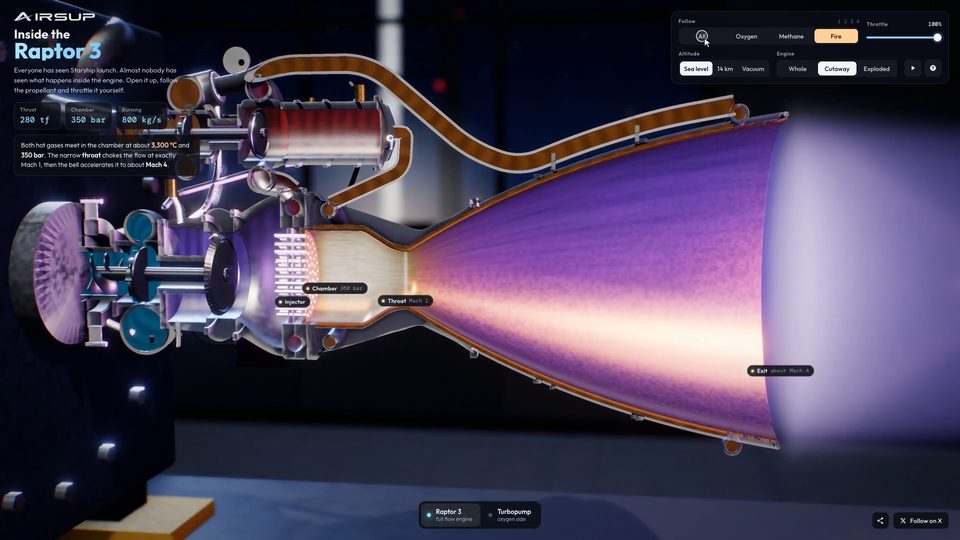 00:35
00:35Interactive 3D Raptor 3 Rocket Engine WebGL Model
Three.jsOpus 5.5
1 00:18
00:18Mobile game reward animation template
Three.jsOpus 5.5
1 00:15
00:15Mobile Game Reward Reveal Animation
Three.jsOpus 5.5
1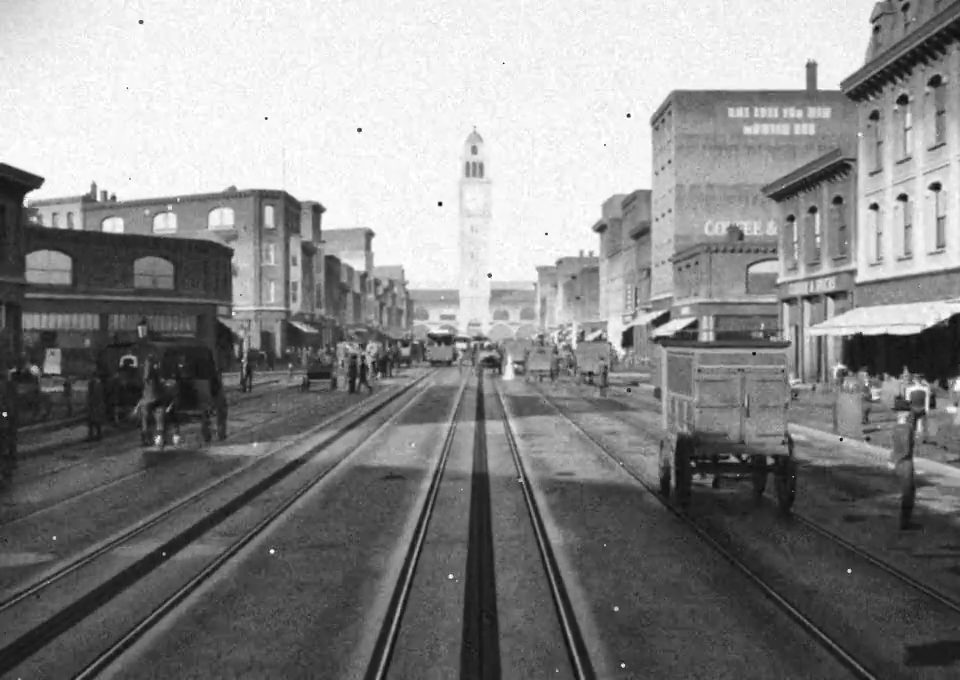 00:08
00:081906 San Francisco Market Street in Blender
Three.jsOpus 5.5
1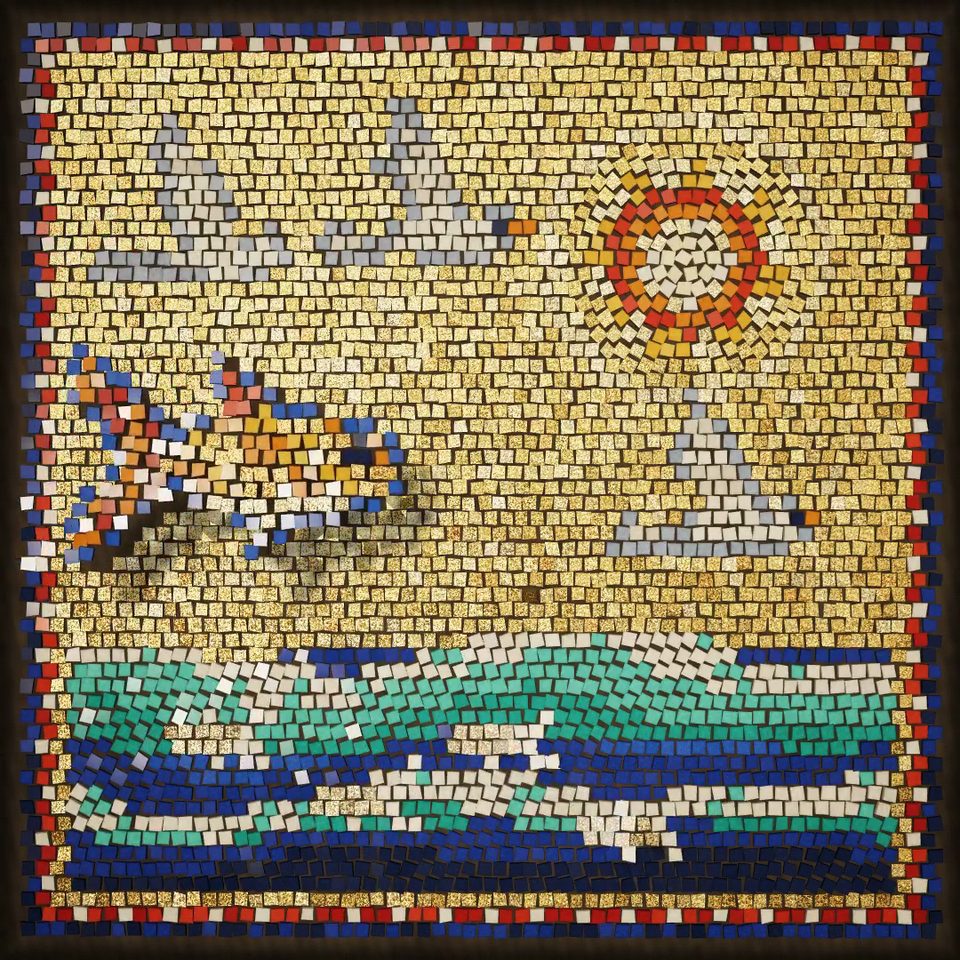 01:20
01:20Glass and gold mosaic that comes alive
Three.jsOpus 5.5
1